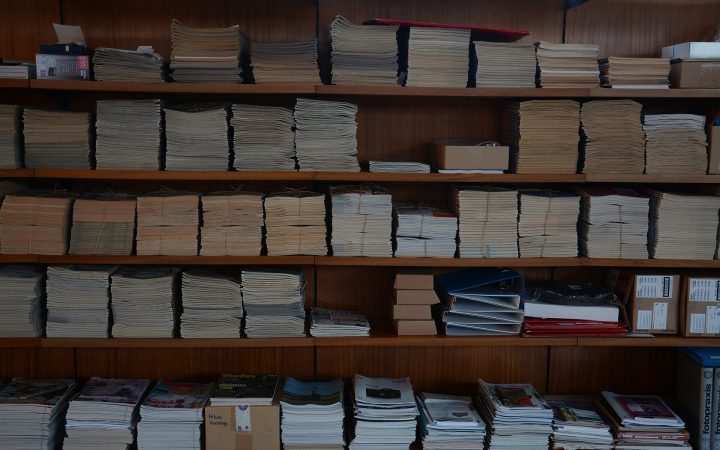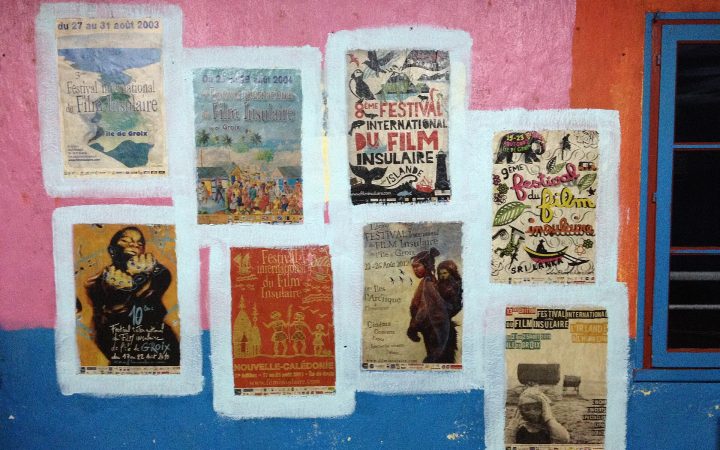
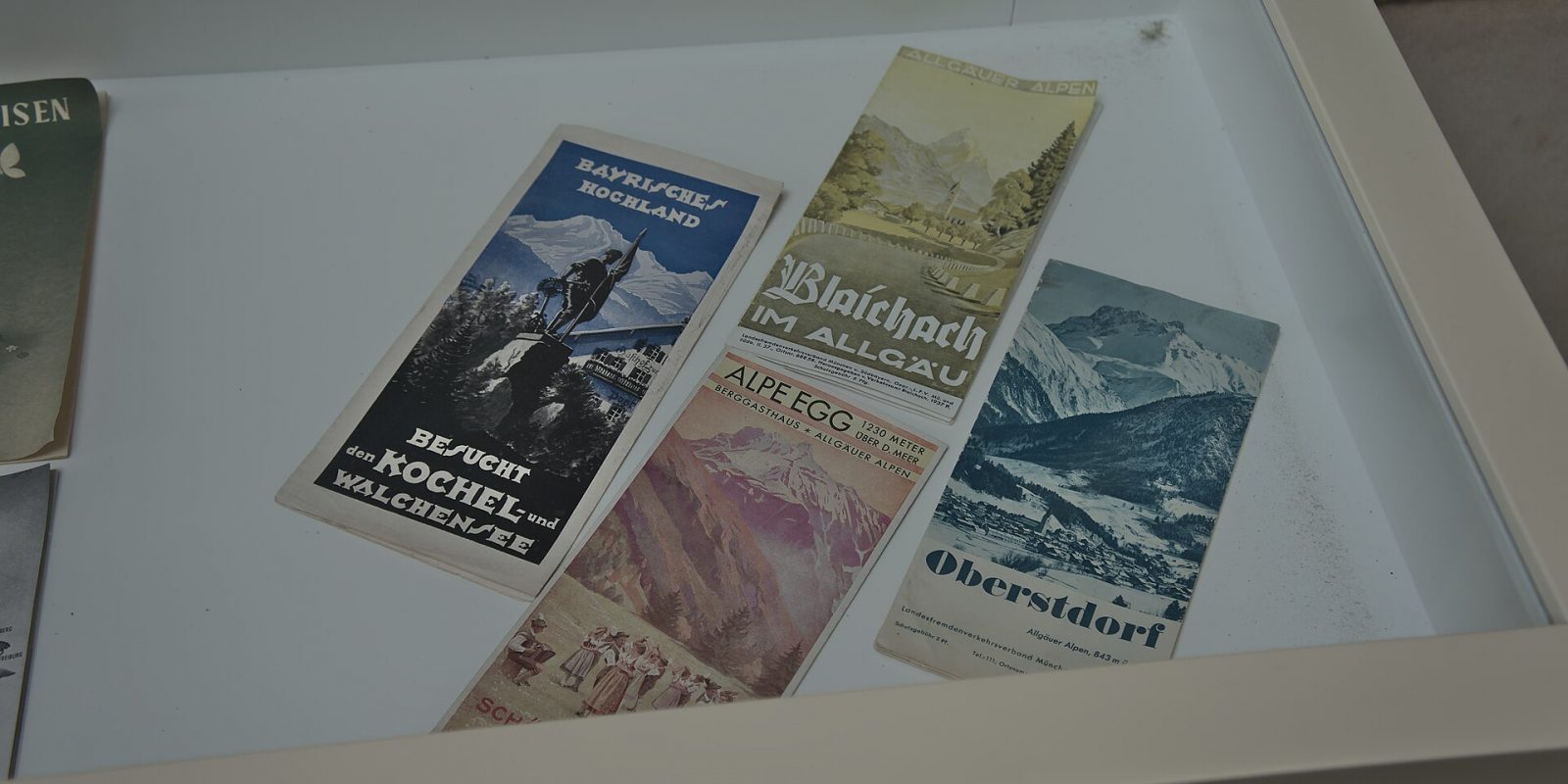
In a world of screens, a well-made brochure still has a special power. It sits on a reception desk, travels home in a bag, gets passed to a family member and stays on a table for days. Schools hand them to parents during admissions, hospitals keep them at the front desk, builders give them to site visitors and exhibitors stack them at trade fairs. But a brochure only works if people pick it up, read it and act. This guide covers everything you need for brochure design that sells: choosing the right format and fold, structuring your copy, designing the layout, and preparing files that print perfectly.
What Makes a Brochure Effective?
A brochure is a sales conversation on paper. It must grab attention, explain your offer clearly, build trust and tell the reader exactly what to do next. Effective brochures share a few qualities:
- A clear purpose and a specific target reader.
- A cover that instantly says who you are and why the reader should open it.
- Benefit-focused copy that is easy to skim.
- High-quality images that show real products, people or places.
- Consistent branding — logo, colours and fonts that match your other materials.
- A strong call to action with complete, accurate contact details.
- Paper and finish that feel appropriate for your brand.
Step 1: Define the Purpose and Audience
Before choosing a size or fold, answer three questions:
- Who will read it? Parents, patients, investors, wedding families, corporate buyers?
- Where will they get it? Handed over in person, mailed, inserted in a newspaper, placed at a counter, or shared as a PDF on WhatsApp?
- What should they do after reading? Call, visit, book, apply, donate or order?
An admissions brochure for a college, for example, must answer parents’ practical questions — courses, facilities, fees process, contact — while also conveying values and reputation. A restaurant takeaway menu needs almost the opposite: quick scanning, prices and a phone number in large type.
Step 2: Choose the Right Format and Fold
The format affects how your content flows, how much you can say and how much it costs to print. Here are the most common options.
| Format | Panels / pages | Best for | Notes |
|---|---|---|---|
| Single sheet (flyer / leaflet) | 1–2 sides | Offers, events, menus, quick announcements | Cheapest and fastest; limited space |
| Bi-fold (half fold) | 4 panels | Service overviews, simple product ranges | Clean and versatile; feels like a mini booklet |
| Tri-fold (letter fold) | 6 panels | Clinics, shops, travel, service businesses | The classic; fits racks and envelopes well |
| Z-fold (accordion) | 6 panels | Step-by-step processes, timelines, maps | Opens in a zigzag; good for sequential stories |
| Gate fold | 4–6 panels | Launches, premium products, real estate | Dramatic reveal; higher print cost |
| Multi-page booklet | 8, 12, 16+ pages | Institutions, catalogues, company profiles | Saddle-stitched or perfect-bound; most content space |
Page counts for stapled (saddle-stitched) booklets must be in multiples of four. If your content runs to 10 pages, plan for 12 and use the extra space wisely — a full-page image, a map, or a contact page.
How Panels Are Read in a Tri-Fold
A tri-fold is not read left to right like a book. The reader sees the front cover first, then usually the inside flap, then the three inside panels once fully opened. The back panel often carries contact details and a map. Plan your content in this reading order, not in the order panels appear on the printed sheet.
Step 3: Write Copy That Sells
Good copy is the heart of a brochure. Many brochures fail because they talk only about the company instead of the reader’s needs. Use this structure:
- Cover headline: a clear promise or benefit, not just your company name. “Quality education rooted in values” says more than “Welcome”.
- Problem or need: show you understand what the reader is looking for.
- Your solution: services, products or programmes explained in terms of benefits.
- Proof: real facilities, genuine achievements, accreditations you actually hold, photos of actual work.
- Details: features, specifications, process or schedule.
- Call to action: one clear next step with phone, WhatsApp, website, address and QR code.
Copywriting Tips
- Write short sentences and short paragraphs. Use subheadings and bullets.
- Replace vague claims (“best quality”) with specific details (“hand-finished teak, made to order”).
- Keep the tone consistent with your brand — warm, formal, energetic or premium.
- For bilingual brochures, decide whether to use parallel Malayalam and English text or separate versions. Parallel text doubles the space needed, so plan accordingly.
- Proofread names, numbers, phone numbers and spellings at least twice — then ask someone else to check.
Step 4: Design the Layout
Design turns copy into something people want to read. Professional brochure design follows a few core principles.
Use a Grid
A grid keeps margins, columns and image positions consistent across panels or pages. It makes the brochure feel organised and professional, even when content varies.
Create a Clear Visual Hierarchy
Readers should instantly see what is most important. Use size, weight and colour to separate headlines, subheadings, body text and captions. One focal point per panel or spread works better than several elements competing for attention.
Leave White Space
Empty space is not wasted space. It gives content room to breathe and makes the brochure easier to read. Crowded layouts look cheap and overwhelm readers.
Use Strong, Real Images
Authentic photographs of your premises, team, products and work build far more trust than generic stock images. If you use stock photos, choose ones that feel natural and relevant. Make sure every image is high resolution — photos copied from social media are usually too small for print.
Stay On-Brand
Use your logo, brand colours and fonts consistently. If you do not yet have a clear identity, it is worth sorting out your logo and basic brand style first, so your brochure, visiting cards and signage all look like they belong together.
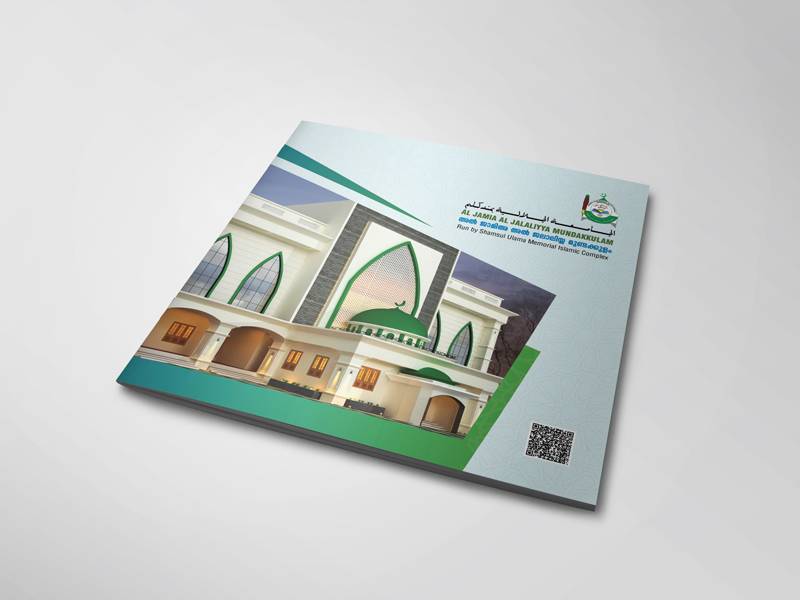
Our work on the Jamia Jalaliyya (Mundakkulam) brochure and the IRITAQ brochure shows how institutions can present a lot of information while keeping the layout calm and readable. You can see more examples in our portfolio.
Step 5: Choose Paper and Finish
Paper choice affects how your brochure feels in the hand — and how readers perceive your brand. Paper thickness is measured in GSM (grams per square metre); higher numbers mean thicker paper.
- Lighter paper (around 90–130 GSM): suitable for flyers, newspaper inserts and large-quantity distribution.
- Medium paper (around 150–200 GSM): a good choice for most folded brochures.
- Heavier paper (around 250–300 GSM): for covers of booklets and premium pieces.
Finishes also matter. Gloss makes colours vivid; matte feels modern and is easier to read under bright light; lamination adds durability for brochures that will be handled a lot. Special finishes like spot UV or embossing add a premium touch for launches and luxury brands. Ask your printer for samples before deciding — touching the paper is the best way to choose.
Step 6: Prepare Print-Ready Files
Many printing problems come from files that were not prepared correctly. Before sending your brochure to print, check the following:
- Document is set up at the exact final size, with correct panel widths for folds.
- 3 mm bleed is added on all sides for any image or colour that runs to the edge.
- Important text stays inside a safe margin, away from trim edges and folds.
- Colours are in CMYK, not RGB, to avoid unexpected colour shifts.
- All images are at least 300 DPI at the size they are printed.
- Fonts are embedded or converted to outlines.
- The file is exported as a high-quality print PDF.
- A physical or digital proof has been checked and approved.
Tip: In a tri-fold, the inside panel that folds in is usually slightly narrower than the other two so it closes neatly. If all three panels are exactly equal, the brochure may buckle when folded. Ask your designer or printer for the correct panel measurements for your paper size before design starts.
Digital vs Offset Printing
For small quantities, digital printing is quick and economical. For larger runs, offset printing usually offers a lower cost per piece and excellent colour consistency. Your printer can advise on the break-even point. During busy periods like the admission season, Onam, or year-end, local print shops get crowded — place your order early to avoid delays. Dzone Ads also handles printing works, so design and production can be coordinated in one place.
Don’t Forget the Digital Version
In India, brochures are often shared as PDFs on WhatsApp as much as they are handed out in print. Prepare a separate, lighter digital version in RGB with clickable phone numbers, email and website links. Keep the file size small so it downloads quickly on mobile data. A single-page or vertically scrolling version can also work better on phones than a folded layout.
Brochure Design Cost
The cost depends on the format, number of pages, whether copywriting and photography are needed, and the number of revision rounds. Printing is priced separately based on quantity, paper and finish. At Dzone Ads, brochure design starts from ₹3,499 — the final quote depends on scope.
Key takeaways
- Start with purpose, audience and the single action you want readers to take.
- Choose a format and fold that suits your content — tri-folds, bi-folds and booklets each have strengths.
- Write benefit-led, skimmable copy and finish with one clear call to action.
- Use a grid, clear hierarchy, white space and real, high-resolution photos.
- Prepare files in CMYK with bleed, safe margins and 300 DPI images.
- Create a separate lightweight PDF for WhatsApp and email sharing.
Frequently Asked Questions
What is the most popular brochure format?
The tri-fold is the most widely used format for businesses because it offers six panels, fits easily in racks and envelopes, and is economical to print. Institutions and catalogues often prefer multi-page booklets for more content.
What size should my brochure be?
A4 is the most common sheet size in India, folded to create a tri-fold or bi-fold. A5 works well for compact booklets and menus. Choose the size based on content volume, distribution method and budget.
Should I print my brochure in Malayalam and English?
If your audience includes both Malayalam and English readers, a bilingual brochure can work well. You can use parallel text or create two separate versions. Separate versions often look cleaner and let each language breathe.
How many brochures should I print?
Estimate how many you will distribute in the next few months. Larger quantities lower the cost per piece, but outdated brochures are wasted money. If your prices or details change often, print smaller batches and update regularly.
What files do I need to provide to the designer?
Share your logo (preferably in vector format), the text or key points, high-resolution photos, contact details and any brand colours or fonts. A designer can help write or refine copy if you only have rough notes.
Need a brochure that represents your business well and actually brings in enquiries? Request a quote from Dzone Ads and we will help you plan the format, content and print from start to finish.