Short video has become the main way people discover businesses on social media. Reels, Shorts and WhatsApp Status videos fill every feed, and customers increasingly expect to see a product or service in motion before they trust it. But posting more video is not the same as getting more business. Plenty of brand videos get scrolled past in a second. The ones that convert share a few common traits — and most of them are decided in the edit. This guide explains how to plan, shoot and edit short videos that hook viewers, build trust and turn views into real enquiries.
Why Video Editing Matters More Than the Camera
Modern smartphones shoot excellent footage. What separates a forgettable clip from a video that sells is usually the editing: the choice of opening shot, the pace, the text on screen, the music, the sound and the call to action. Good editing turns ten minutes of raw footage into thirty focused seconds that tell a clear story.
- It grabs attention in the first second, before the viewer scrolls.
- It removes everything that does not serve the message.
- It adds captions so the video works without sound.
- It keeps your branding — colours, fonts, logo — consistent across every video.
- It ends with a clear next step: call, WhatsApp, visit or order.
Step 1: Start With a Goal and One Message
Every video should have one job. Before you shoot anything, write down:
- The goal: awareness, enquiries, website visits, footfall or sales.
- The audience: who is watching, and what do they care about?
- The single message: one idea the viewer should remember.
- The action: what should they do after watching?
A bakery promoting a new Onam payasam kit does not need to explain its full menu, history and catering service in the same 20-second video. One product, one benefit, one call to action.
Step 2: Choose the Right Video Type
Different formats suit different goals. A healthy mix keeps your content fresh:
- Product showcase: close-ups, features and the product in use.
- Behind the scenes: how you make, pack, cook or design — builds trust.
- How-to or tips: short, useful advice related to your field.
- Before and after: powerful for interiors, salons, repairs and design.
- Customer stories: genuine customers sharing their experience, with their permission.
- Offer and event announcements: festival sales, launches, new branches.
- Video profile: a slightly longer overview of your business, facilities and services for your website and YouTube.
Step 3: Plan and Shoot With Editing in Mind
Good editing starts before recording. A simple shot list saves hours later.
Write a Simple Script or Outline
For a 30-second video, structure it as: hook (first 1–3 seconds), problem or context, solution or showcase, proof, and call to action. Keep spoken lines short and natural.
Shooting Tips for Better Raw Footage
- Shoot vertically (9:16) for Reels, Shorts and Status; horizontally only for YouTube or website videos.
- Use natural light from a window or shoot outdoors in soft light; avoid harsh noon sun.
- Keep the phone steady — a simple tripod or gimbal makes a big difference.
- Record clean audio close to the speaker; a small clip-on microphone is a worthwhile investment.
- Capture extra “B-roll”: hands working, product details, shop exterior, happy customers (with consent).
- Hold each shot for a few seconds longer than you think you need — it gives the editor room.
Step 4: Edit for Attention and Clarity
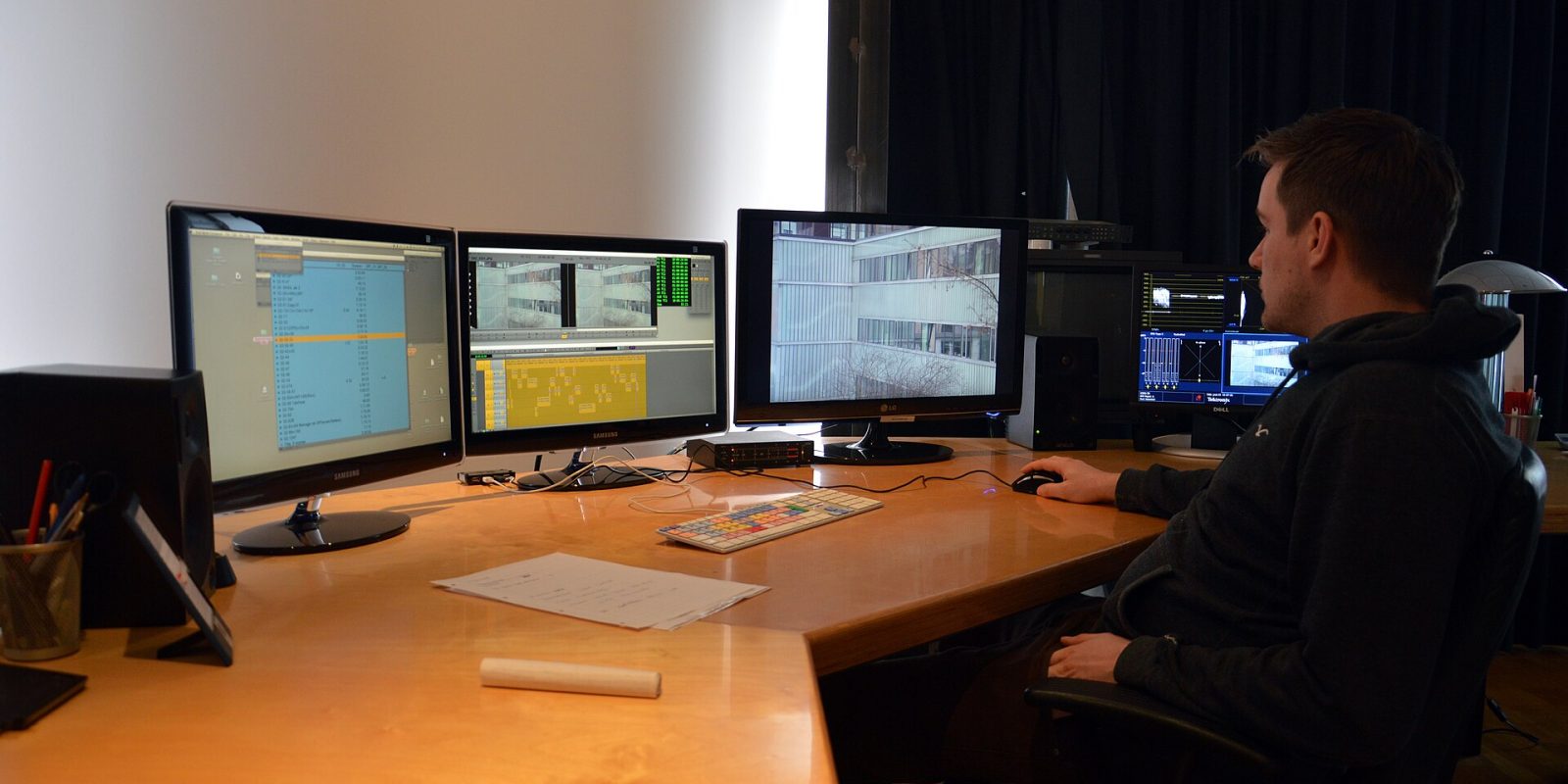
This is where the video is truly made. Whether you edit yourself or work with a professional video editing team, focus on these principles.
Win the First Three Seconds
Open with your most interesting visual or a bold statement — the finished dish, the dramatic before-and-after, a surprising fact, or a direct question to the viewer. Avoid slow logo intros; put your logo subtly in a corner or at the end instead.
Cut Tight and Keep the Pace Moving
Remove pauses, repeated lines and anything that does not move the story forward. Change shots every couple of seconds for energetic content; allow more breathing room for calm, premium brands. Match the pace to your brand personality.
Add Captions and On-Screen Text
Many people watch videos with the sound off, especially in public places. Add clear, well-timed captions for all speech. Use short on-screen headlines to reinforce key points. For Kerala audiences, Malayalam captions — or bilingual Malayalam and English text — can make the video feel much more personal and accessible.
Use Music and Sound Thoughtfully
Music sets the mood, but it should support your message, not drown it. Use royalty-free or properly licensed tracks; copyrighted music can get your video muted or removed, especially in ads. Clean up background noise and balance voice and music levels so speech is always clear.
Use Transitions and Effects Sparingly
Flashy transitions, zooms and stickers can be fun, but too many make a brand video feel amateur and distract from the message. Simple straight cuts, an occasional smooth zoom and consistent text animations usually look more professional. Colour correction is worth the effort: balancing brightness and skin tones across clips makes footage shot at different times of day feel like one coherent video.
Keep Branding Consistent
Create a simple video style: the same fonts, colours, caption style, logo placement and end card for every video. Over time, viewers recognise your content before they even see your name.
End With One Clear Call to Action
Tell viewers exactly what to do: “WhatsApp us to book”, “Visit our shop this weekend”, “Tap the link to order”. Show the phone number or handle on screen long enough to read.
Step 5: Export Correctly for Each Platform
A video that looks great on one platform may be cropped or compressed badly on another. Use this reference when exporting:
| Platform / placement | Aspect ratio | Typical length | Notes |
|---|---|---|---|
| Instagram Reels | 9:16 (vertical) | 15–60 seconds works well | Keep text away from the bottom and right edges where buttons sit |
| Instagram / Facebook feed | 4:5 or 1:1 | 15–60 seconds | 4:5 takes up more screen space on mobile |
| YouTube Shorts | 9:16 (vertical) | Short, punchy clips | Strong hook matters; titles help discovery |
| YouTube (standard) | 16:9 (horizontal) | 2–10 minutes | Ideal for video profiles, tutorials and tours |
| WhatsApp Status | 9:16 (vertical) | Short clips | Great for daily offers to existing contacts |
| Website hero / profile | 16:9 | 30 seconds to 3 minutes | Compress well so the page still loads fast |
Platform limits and recommendations change from time to time, so check the latest guidelines before a major campaign. Exporting in full HD (1080 pixels wide for vertical video) is a safe standard for social media.
Tip: Shoot once, edit many times. A single well-planned shoot can produce a 60-second hero video, three 15-second Reels, a few WhatsApp Status clips and still images for posters. Planning this “content bank” before the shoot gives you weeks of material from one session.
Step 6: Publish, Promote and Measure
Publishing is only half the job. Write a short caption with the key message and call to action, add relevant hashtags and location tags, and pin your best videos to your profile. For important campaigns, put a small ad budget behind your best-performing videos with location-based targeting — this is where video and social media promotion work hand in hand.
Track what matters:
- Watch time and retention: where do viewers drop off? Improve that section next time.
- Shares and saves: strong signs that your content is valuable.
- Profile visits and messages: is the video starting conversations?
- Cost per result (for ads): how much are you paying for each enquiry?
Common Video Mistakes to Avoid
- Long, slow intros with animated logos before anything happens.
- No captions, so silent viewers miss the message.
- Shaky footage, poor lighting or echoing audio.
- Trying to say too much in one video.
- Using copyrighted songs without permission.
- Forgetting the call to action — or showing contact details too briefly to read.
- Posting the same horizontal video everywhere instead of adapting the format.
Plan Ahead for Festival and Wedding Seasons
In Kerala, demand peaks around Onam, Vishu, Eid, Christmas and the wedding season. Brands that prepare festival videos two to four weeks in advance get their content out while competitors are still shooting. Think of greeting videos that also showcase a seasonal offer, behind-the-scenes clips of festive preparations, or quick gift guides. Event-focused businesses — caterers, decorators, bridal stores, photographers — can also build portfolio reels from each season’s work, with clients’ permission.
DIY or Professional Editing?
Mobile editing apps let you make simple videos yourself, and that is a great way to stay active on social media. Professional editing becomes valuable for ads, video profiles, product launches and any video that represents your brand for a long time. At Dzone Ads, we offer video editing and video profile creation, with promo video editing starting from ₹2,499 — the final quote depends on scope (see our pricing page). Videos can then be embedded on your website as part of our website development work, or used across your social channels.
Key takeaways
- Give every video one goal, one message and one call to action.
- Plan and shoot with editing in mind — vertical format, good light, clean audio, extra B-roll.
- Hook viewers in the first three seconds and keep the pace tight.
- Add captions (consider Malayalam) so videos work without sound.
- Export in the right aspect ratio for each platform and use licensed music.
- Measure retention and enquiries, then improve the next video.
Frequently Asked Questions
How long should a brand video for Instagram Reels be?
Shorter is usually better for discovery. Many brands see good results with 15 to 30 seconds, as long as the message is clear. Longer Reels can work if the content keeps viewers engaged throughout.
Can I shoot professional-looking videos on my phone?
Yes. With good lighting, a steady phone, clear audio and thoughtful editing, smartphone footage can look polished and professional. The planning and editing matter more than the camera.
What is a video profile?
A video profile is a short film introducing your business — your services, facilities, team and approach. It is ideal for your website, YouTube channel, presentations and sharing with prospective clients.
Should I add Malayalam subtitles to my videos?
If your audience is mainly in Kerala, Malayalam subtitles or bilingual captions can improve understanding and engagement. If you also target a wider audience, English captions help, and you can create both versions.
Can I use popular film songs in my business videos?
Generally, using copyrighted music without a licence is risky, especially in ads. Platforms may mute or remove the video. Use royalty-free music or tracks that are licensed for commercial use.
Have footage that needs a professional touch, or planning a brand video from scratch? Request a free quote from Dzone Ads and let’s create videos that bring you real enquiries.